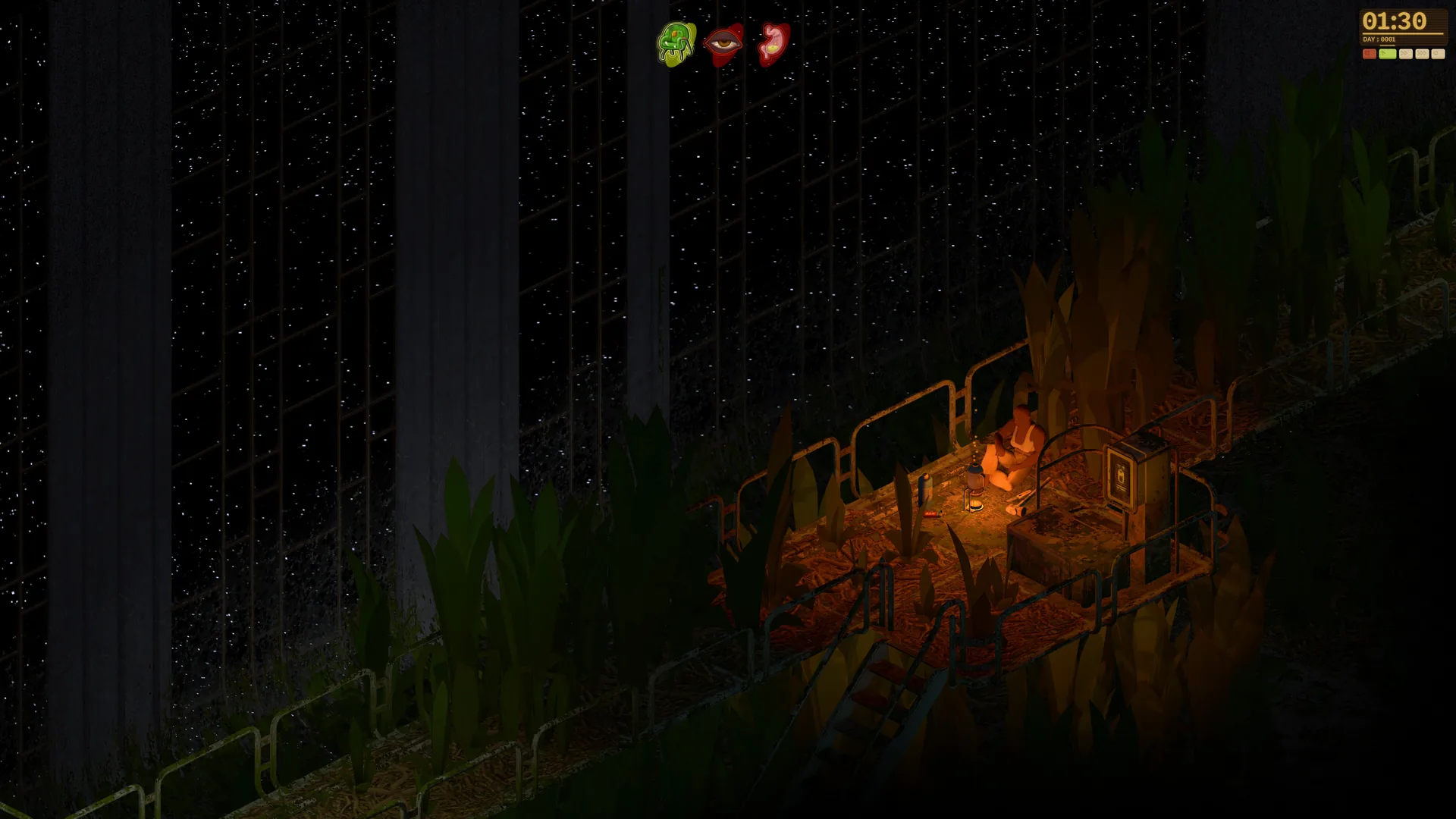
- The Dandelion Void multiplayer demo lets players sample the derelict-ark survival loop before full release
- Co-op, PvPvE, and player-hosted servers are the planned multiplayer directions
- The demo is a standalone Steam download with a limited slice of the world
- No fixed maximum party size has been confirmed yet
- Follow official channels for the latest multiplayer and demo updates
Dandelion Void Multiplayer Demo Overview
Dandelion Void multiplayer demo content centers on giving players an early, hands-on look at Manzanita Interactive's survival RPG set inside an overgrown generation ship. The game is designed around multiple approaches to exploration: independent solo runs, cooperative sessions with friends, and competitive PvPvE scenarios where environmental threats and other players both matter.
The public demo represents the currently playable preview of the game's exploration, survival, crafting, and shelter-building systems. Early Access and the full release remain separate milestones, so treat the demo as a sample rather than the final multiplayer experience.
Video Highlights:
- Official trailer shows the abandoned ark, jungle corridors, and base building
- Survival loop combines scavenging, crafting, and shelter management
- Wishlist Trailer highlights hostile alien plant life
| Development Stage | Status | Player Access |
|---|---|---|
| Public Demo | Playable preview | Downloadable from Steam page |
| Early Access | Planned stage | Not yet available |
| Full Release | Separate milestone | Release date TBA |
The demo contains only a selected portion of the planned game. Full-world content, expanded customization, and complete progression are reserved for future builds.
Planned Multiplayer Modes Explained
Official information presents cooperation as a core multiplayer direction, alongside a PvPvE format and player-hosted servers. While the demo gives a taste of the survival loop, these multiplayer modes describe the broader design vision for the game.
Single-player Exploration
- Own pace: learn the ark without group pressure
- Full control over decisions and routes
- Most direct way to experience the survival loop
Cooperative Play
- Team expeditions into dangerous sections
- Coordinate equipment and objectives
- Fixed party size not yet specified
PvPvE Direction
- Player tension plus environmental danger
- Balance cooperation and competition
- Resource decisions carry higher stakes
Player-hosted Servers
- Private sessions with friends
- Custom rules and scenarios set by the host
- Supports tailored multiplayer experiences
Multiplayer details, including party sizes and server tools, are based on plans for the game in development. Check the official Steam page and Discord for the most current information.
How to Access the Multiplayer Demo: Step-by-Step
Getting into the Dandelion Void demo is straightforward through Steam. Follow this sequence to install and start playing as quickly as possible.
| Step | Action | Details |
|---|---|---|
| 1 | Open Steam page | Visit the official Dandelion Void Steam store page |
| 2 | Download demo | Grab the standalone playable demo build |
| 3 | Launch from library | Demo appears as its own entry in your library |
| 4 | Explore demo area | Learn navigation and identify routes and points of interest |
| 5 | Test core loop | Explore, investigate, manage encounters |
Install the Public Demo
Open the Dandelion Void Steam page and download the available demo build. It is distributed as a standalone playable version, separate from the main game entry.
Enter the Demo Area
Begin in the region included in the demo. Use the early section to learn navigation, inspect the environment, and identify useful routes and return points.
Test the Core Loop
Explore, investigate, manage encounters, and experiment with the systems available in the build. The demo communicates atmosphere and foundational gameplay rather than the complete release.
Play Within the Limits
The demo covers only a selected portion of the game. Full-world content, later features, and expanded customization are reserved for future builds.
Before venturing deeper into unfamiliar sections, gather basic supplies and identify a return point. A small reserve of food and water gives you more time to react to environmental dangers.
Solo vs Co-op vs PvPvE Comparison
Choosing how to play shapes your entire experience aboard the derelict ark. This comparison breaks down the key differences between the planned modes.
| Factor | Solo | Co-op | PvPvE |
|---|---|---|---|
| Pace | Self-directed | Team-coordinated | Unpredictable |
| Difficulty scaling | Personal skill | Shared load | Players plus environment |
| Best for | Learning, immersion | Friends, safer expeditions | Tension and competition |
| Resource control | Full ownership | Shared decisions | Contested |
| Server type | Local/single-player | Hosted or shared | Player-hosted preferred |
Start solo to learn the ark's hazards, then move to co-op for deeper expeditions. PvPvE works best once you understand resource routes and environmental threats.
Multiplayer Demo Readiness Checklist
Prepare properly before your first session. These milestones help you get the most out of the demo build.
Before You Play:
- Download the demo from the official Steam page
- Verify your PC meets minimum requirements
- Join the official Discord for multiplayer updates
- Complete the demo area's early exploration loop
- Identify safe routes and return points
Minimum PC requirements for the demo build:
| Category | Minimum | Notes |
|---|---|---|
| OS | Windows 10 64-bit | 64-bit installation required |
| Processor | Intel Core i5-4590 / AMD FX 8350 | Modern desktop CPU recommended |
| Memory | 8 GB RAM | More helps with background apps |
| Graphics | GTX 970 / Radeon R9 290 | DirectX-compatible GPU |
| Storage | 10 GB available | Leave room for updates |
The game is still in development. System requirements may change before Early Access, so recheck the Steam page before major updates.
Where to Track Multiplayer News
Since the game is unreleased, official channels are the most reliable source for multiplayer developments, demo updates, and server tools.
| Channel | Purpose |
|---|---|
| Official website | Central hub with all official links |
| Steam Community Hub | Discussions, announcements, updates |
| Official Discord | Multiplayer talk, dev updates, playtesting news |
| Official Bluesky | Short-form development news |
| Official YouTube | Trailers and gameplay videos |
Wishlist the game on Steam and join the official Discord. These are the fastest ways to hear about multiplayer features, demo expansions, and Early Access timing as they are announced.
FAQ
Q: Is the Dandelion Void multiplayer demo available now?
A public demo exists as a standalone playable preview on the Dandelion Void Steam page. It offers an early look at exploration, survival, crafting, and shelter-building systems, though it covers only a portion of the planned game.
Q: Does Dandelion Void support co-op multiplayer?
Cooperative play is presented as a core multiplayer direction. Players can explore together, coordinate equipment and objectives, and respond to dangerous encounters as a team. A fixed maximum party size has not been specified.
Q: What is the PvPvE mode in Dandelion Void?
The PvPvE format combines player-versus-player tension with environmental dangers. Players balance cooperation, competition, and resource decisions while also dealing with the hostile alien plant life of the ark.
Q: Can players host their own servers?
Players are planned to be able to create and host their own servers, supporting private sessions with friends as well as customized multiplayer experiences built around the host's preferred rules and scenario.