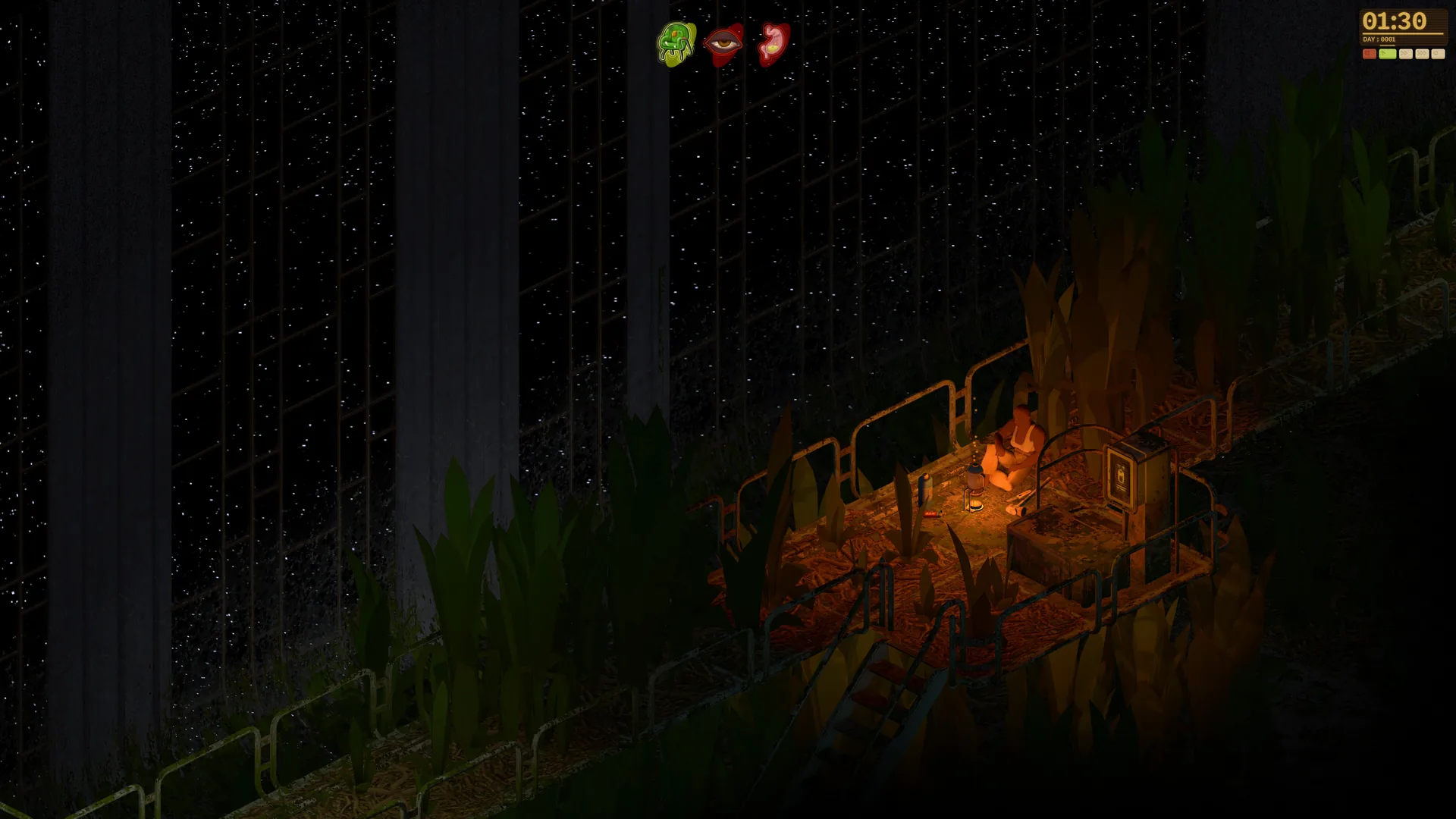
- Dandelion Void mod support centers on a custom map editor, Lua API, and Steam Workshop integration.
- Creation tools cover custom maps, outfit and weapon imports, biomes, and scripted scenarios.
- The game is still in development; modding features are planned and may change before Early Access.
- Start with the public demo to learn the exploration loop before designing custom content.
- Official updates arrive via the Steam page and Discord community.
Dandelion Void Mod Support Overview
Manzanita Interactive has positioned Dandelion Void as a creator-friendly survival RPG. Alongside the exploration, crafting, and base-building loop set inside the derelict generation ship Pergola, the developers plan a full suite of modding tools: a map editor, a Lua scripting API, and support for importing custom clothing and weapons. All of it is designed to flow through Steam Workshop.
The official Wishlist Trailer highlights the world modders will eventually reshape: overgrown corridors, derelict technology, and hostile alien plant life.
Video Highlights:
- Tour of the abandoned ark and jungle-filled corridors
- Base building and relic scavenging gameplay
- Glimpses of the hostile plant ecology that custom content can build on
The game has not fully released yet. The official Steam page lists the release date as To Be Announced, and modding features are planned capabilities rather than final, shipped tools. Expect details to evolve through Early Access.
Core Modding Tools Explained
Four tool categories make up the planned Dandelion Void mod ecosystem.
Map Editor
- Build custom rooms and exploration spaces
- Modify the derelict-ship environment
- Design new locations inside or beyond Pergola
Lua API
- Script gameplay behavior and events
- Control interactive systems
- Build scenario logic for solo or multiplayer
Content Imports
- Import custom outfits
- Import custom weapons
- Expand visual and equipment variety
Custom Scenarios
- Assemble original situations
- Support varied objectives and formats
- Works with player-hosted servers
| Tool | Primary Use | Skill Level | Workshop Support |
|---|---|---|---|
| Map Editor | Custom maps and rooms | Beginner to Intermediate | Planned |
| Lua API | Scripted mechanics and events | Intermediate to Advanced | Planned |
| Outfit/Weapon Import | Visual and gear content | Beginner | Planned |
| Custom Scenarios | Full gameplay setups | Intermediate | Planned |
| Custom Biomes | New environment types | Intermediate | Planned |
Begin with the map editor before touching the Lua API. A simple custom room teaches layout, hazard placement, and pacing far faster than diving straight into scripting.
Step-by-Step: Your First Mod Project
Follow this workflow to move from player to creator in a logical order.
Master the Base Game
Play the public demo thoroughly. Learn how exploration, hunger, thirst, morale, and hostile plants interact so your mod respects the survival loop.
Choose Your Project Type
Pick one scope: a custom map, an outfit import, or a scripted scenario. Narrow, focused projects finish faster and teach more.
Learn the Map Editor
Build a small room or corridor section first. Test how players move through it, where hazards feel fair, and where resources reward exploration.
Add Logic with the Lua API
Once your layout works, script events: door behavior, environmental changes, or encounter triggers. Keep scripts modular so you can debug pieces independently.
Package and Share
Prepare your mod for Steam Workshop distribution, write a clear description, and gather feedback from the community Discord before iterating.
The official Dandelion Void Discord is the best place to find fellow creators, share early builds, and get answers when the Lua API behaves unexpectedly.
Mod Compatibility and Multiplayer Considerations
Because Dandelion Void is designed around solo play, cooperative sessions, PvPvE, and player-hosted servers, mod compatibility matters from day one.
| Play Mode | Mod Consideration | Recommended Approach |
|---|---|---|
| Single-player | Full flexibility | Any map or script scope works |
| Cooperative | Shared mod versions | Sync mods across the group |
| PvPvE | Balance sensitivity | Test weapon imports carefully |
| Player-hosted servers | Host controls mod set | Keep mod lists small and stable |
Tag your mods with the game version they target. During Early Access, updates may break scripts, and clear versioning saves other players hours of troubleshooting.
Creator Preparation Checklist
Before You Start Modding:
- Complete the public demo and understand the survival loop
- Join the official Discord and follow the Steam Community Hub
- Choose one focused first project (map, outfit, or scenario)
- Sketch your custom map layout on paper before opening the editor
- Back up your Lua scripts and version every release
FAQ
Q: Does Dandelion Void support mods?
Yes. The official Steam page lists Steam Workshop support along with a custom map editor, a Lua API, custom outfits, weapons, scenarios, and biomes. These tools are part of the game's planned feature set as it moves toward release.
Q: Is the Dandelion Void mod editor available now?
The game is still in development with a release date marked To Be Announced. Modding tools are planned features; a public demo is currently available, but the full editor and Lua API will arrive with later development stages such as Early Access.
Q: Can I script custom gameplay with the Dandelion Void mod tools?
Yes. The planned Lua API is designed to give creators control over interactive systems, event logic, and scenario mechanics, supporting custom game behavior for both single-player and multiplayer content.
Q: Where can I share my Dandelion Void mods?
Steam Workshop is the planned distribution channel. For feedback, collaboration, and early testing, the official Discord community and Steam Community Hub are the primary gathering points for creators.